Android 3D Model Viewer
A feature-rich Android application to load, inspect, and visualize 3D models, built on top of the Android Model Engine.
This open-source project serves as both a powerful utility for viewing 3D assets and a comprehensive demonstration of modern Android development practices with OpenGL.
Features
- [x] Wide Format Support:
- [x] GLTF (
.gltf,.glb) - [x] FBX (
.fbx) - [x] DAE (Collada)
- [x] OBJ (Wavefront)
- [x] STL (Stereolithography)
- [x] GLTF (
- [x] Advanced Rendering:
- [x] OpenGL ES 2.0 & 3.0 support.
- [x] Skeletal animation (skinning).
- [x] Normal mapping and basic lighting.
- [x] Skybox backgrounds.
- [x] Virtual Reality (VR):
- [x] Anaglyph (red/cyan glasses).
- [x] Stereoscopic (side-by-side for VR headsets).
- [x] Interaction & Analysis:
- [x] Touch controls for rotation, panning, and zooming.
- [x] Wireframe and skeleton decorators.
- [x] Bounding box visualization.
- [x] Ray casting for object selection.
Getting Started
Prerequisites
- Java 17
- Android SDK
- Git
Build and Run from Source
# 1. Clone the repository and its submodules (the engine)
git clone --recursive https://github.com/the3deer/android-3D-model-viewer.git
cd android-3D-model-viewer

+# 2. Build the debug APK
./gradlew clean assembleDebug

+# 3. Install on a connected device or emulator
adb install -r app/build/outputs/apk/debug/app-debug.apk

+# 4. Launch the application
adb shell am start -n org.andresoviedo.dddmodel2/org.the3deer.android.viewer.MainActivity
Architecture
The application is built with a clean, modular architecture that separates UI, state, and rendering logic.
UI Design
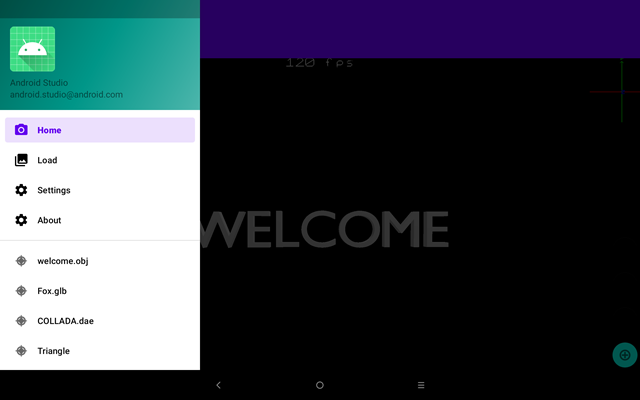
The UI follows a modern Android pattern with a Navigation Drawer and is designed around a few key principles:
- Shared State: A central SharedViewModel synchronizes state across all fragments, ensuring that changes (like loading a new model) are reflected instantly everywhere.
- Contextual Modals: Features like model loading and settings are presented as DialogFragments, allowing users to make changes while keeping the 3D scene visible for immediate feedback.
- Immersive Viewing: A dedicated mode hides all system and app UI to maximize screen space for the 3D content.
Data Flow
A typical user interaction follows this reactive pattern:
1. User Action: The user selects a new model from the "Load" dialog.
2. State Update: The SharedViewModel updates its activeModel LiveData.
3. Observation: The main HomeFragment observes the LiveData change.
4. Injection: The fragment pushes the new model data into the SceneRenderer.
5. Render: The fragment requests a new frame, and the renderer draws the updated scene.
Community & Resources
Download
Get the app from your favorite store:


Demo Video
See an overview of the application's features in action (note: video is from a previous version). Watch on YouTube
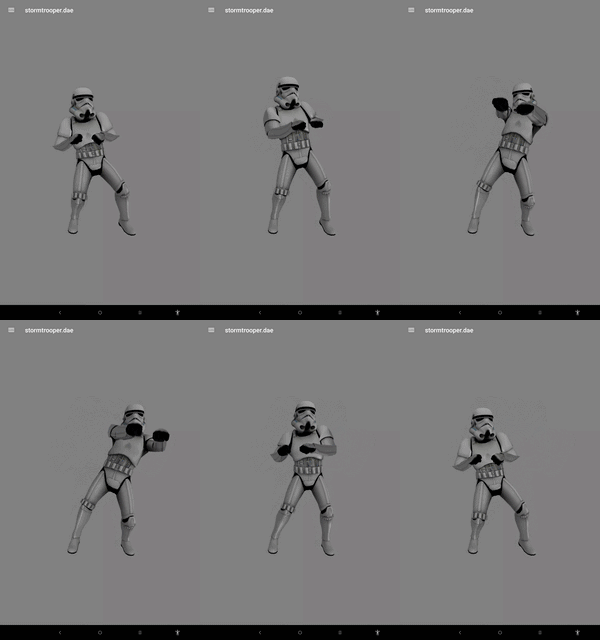
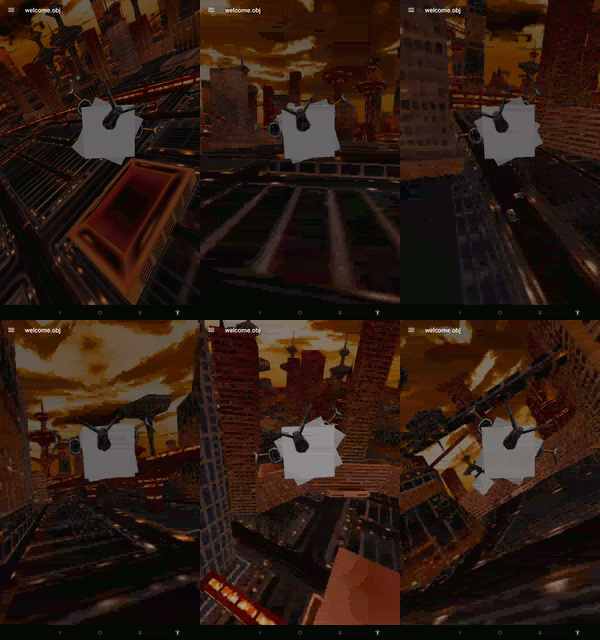
Screenshots
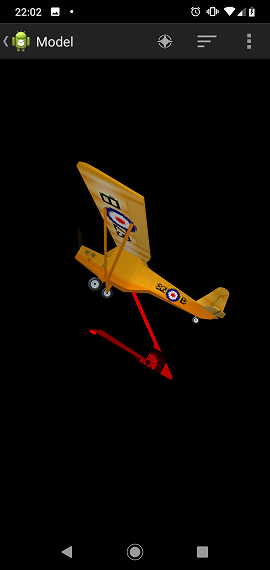
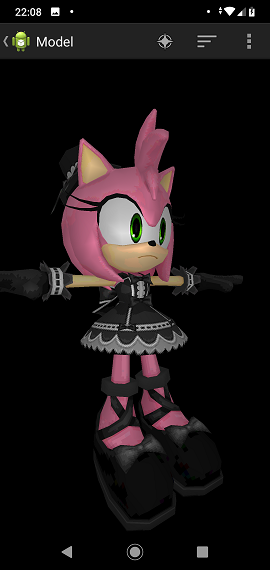
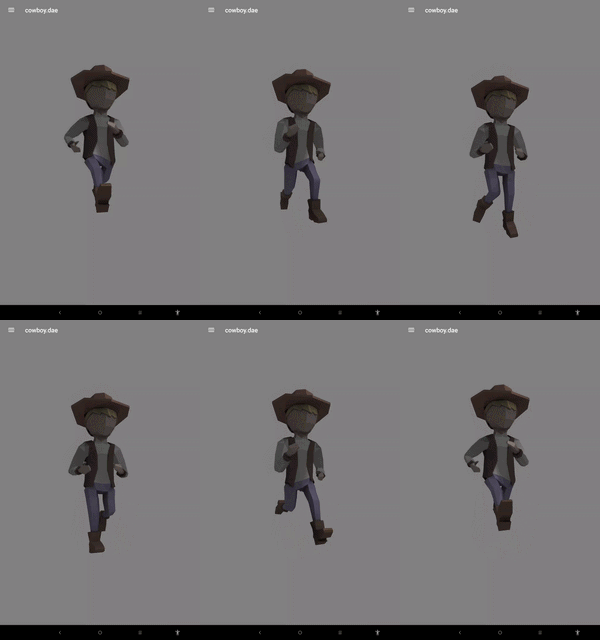
Credits & Acknowledgements
This project is made possible by the hard work of many individuals and open-source projects.
Core Libraries
- STL Parser: Copyright (c) 2001, 2002 Dipl. Ing. P. Szawlowski (j3d.org)
- GLTF Parser: Copyright (c) 2016 Marco Hutter (JglTF)
- FBX Parser: Copyright (c) 2020 Samuli Raivio (ufbx)
- EarCut: Copyright (c) 2016, Mapbox (earcut.js)
Assets
- cowboy: Unlicense License - TheThinMatrix
- fox: CC0 by PixelMannen, Rigging/Animation CC-BY 4.0 by @tomkranis
- stormtrooper: MIT License - hujiulong
Special thanks to the AI (Gemini) for assistance in refactoring and documenting large parts of the codebase.
Disclaimer
- This is a work in progress. Some features may be incomplete.
- While many models work, some complex files may not load correctly.
- If you encounter an issue, please open an issue and attach the model file if possible.